

Compare an online idea with your classroom’s actual needs before comparing appearances. Use social media for specific inspiration, then return to what your children, space, supplies and teaching responsibilities require.
Use online inspiration selectively and judge classroom changes by how they work in your day.
Hi, I’m Ms. Jenn, a preschool teacher with 20 years of experience. I currently teach in a two year old classroom and share practical ideas from everyday teacher life here at Coffee and Circle Time.
Remember what a photograph can show
A photo can show a display or arrangement, but it usually cannot show the whole daily routine, preparation time or support behind it.
Avoid filling those gaps with the assumption that someone else manages everything easily. You do not have enough information from the image alone.
You can appreciate an attractive classroom without treating it as a complete description of effective teaching.
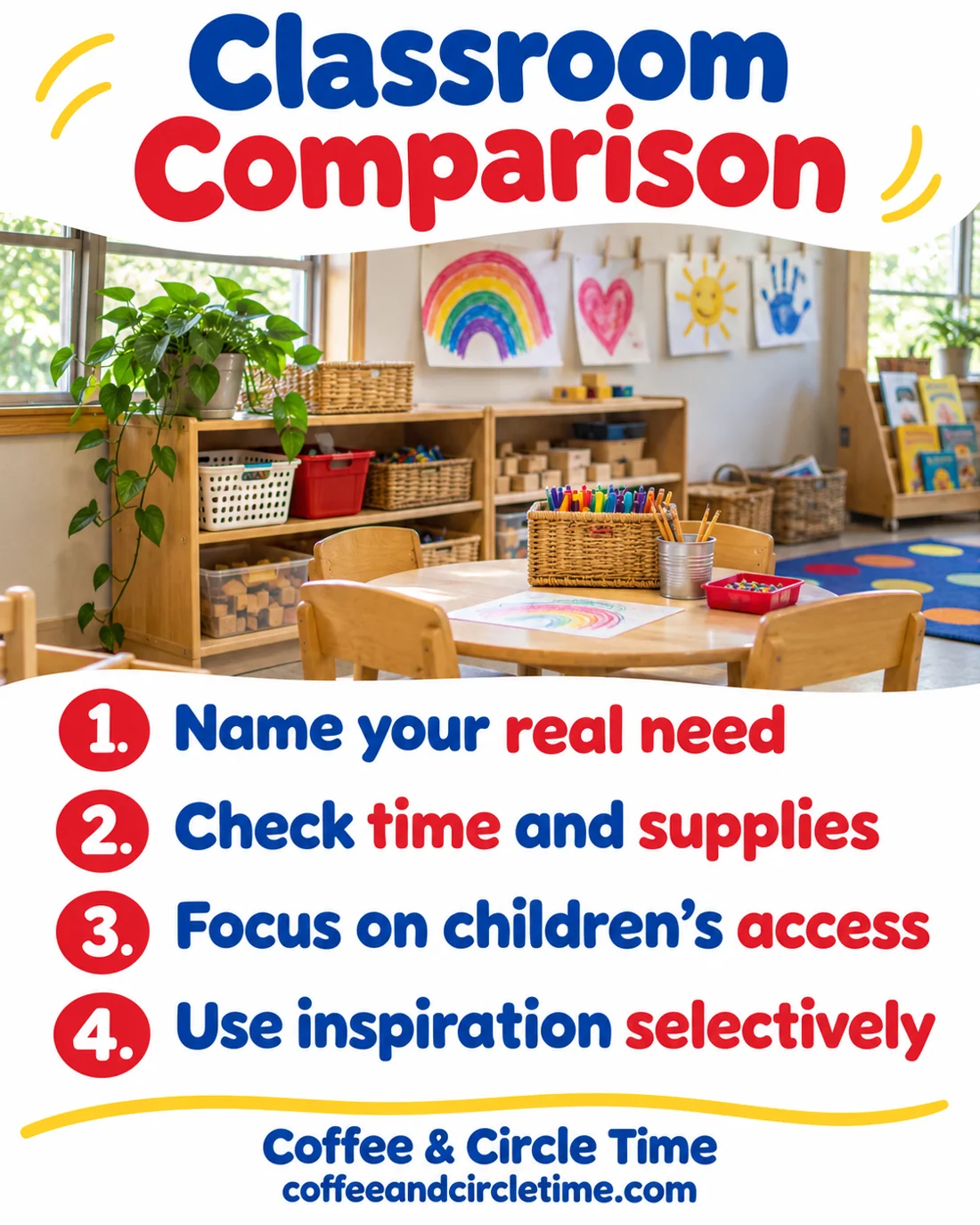
Name what you actually need
Before browsing, write the practical problem you want to solve. Perhaps a materials tray is difficult to use or you need an idea for a familiar invitation.
A specific question makes it easier to recognize a useful example and stop searching. General scrolling can keep introducing new standards you never intended to meet.
Borrow an idea because it serves your classroom, not because it makes your room resemble a photograph.
Check the cost in time and supplies
Ask whether the school provides the materials, whether the setup fits your supervision plan and whether you can maintain it.
You do not need to personally buy a new storage collection to make your room legitimate. Use the school’s supply and approval process.
A system that looks simple online may create extra sorting, cleaning or preparation in your actual day.
Look for children’s access
Consider whether children can reach, understand and use the materials. Adult visual appeal is only one part of a classroom environment.
A coordinated display may be less useful than clear labels, open walking space and familiar routines. Evaluate the practical purpose of each change.
Avoid removing well used materials solely because they do not fit a color scheme. Their role in children’s play matters.
Set a boundary around browsing
Choose a planning question and a stopping point that work for you. Save only the ideas you can describe a purpose for.
If an account repeatedly leaves you feeling pressured rather than informed, you can mute or unfollow it. You do not owe every inspiration source your attention.
Keep an offline list of ideas your own class enjoyed so social media is not the only place you look for the next plan.
Use your own evidence
Notice which routines are clearer, which materials children return to and where your teaching partner sees improvement. These are practical signs to review.
Ask for workplace feedback when you need it. A supervisor who knows the classroom can offer context an online image cannot.
Your room can be useful, welcoming and personal without matching a trend. Let changes follow a real need you can explain.
Use online inspiration selectively and judge classroom changes by how they work in your day.

Leave a Reply